
What's New
Keep up with the latest releases, improvements, and fixes.
Your media kit now shows live streams, Story clicks and replays
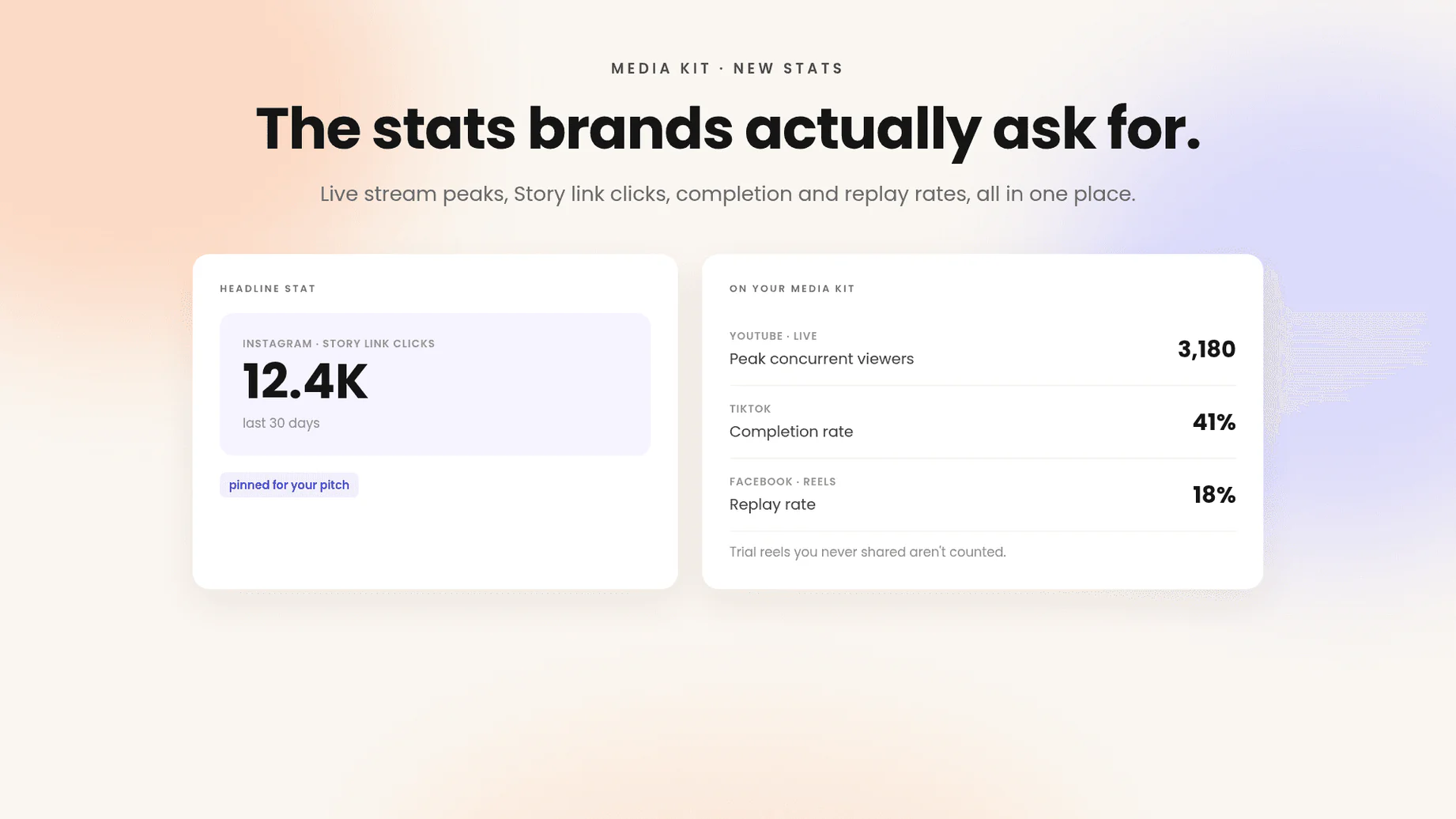
Your media kit left out some of your best numbers. Live streams didn't count, and Story link clicks never reached a brand. Now YouTube live streams show peak concurrent viewers next to your other YouTube stats. Instagram Story link clicks appear on your media kit, and you can pick them as a headline stat when you pitch. TikTok videos show completion rate, and Facebook Reels show replay rate. Trial reels you never shared stay out of your numbers, so they don't drag your averages down. New stats fill in as your accounts refresh, so give them a day before you pitch with them.
Open your media kitSet your rate card currency and number invoices your way
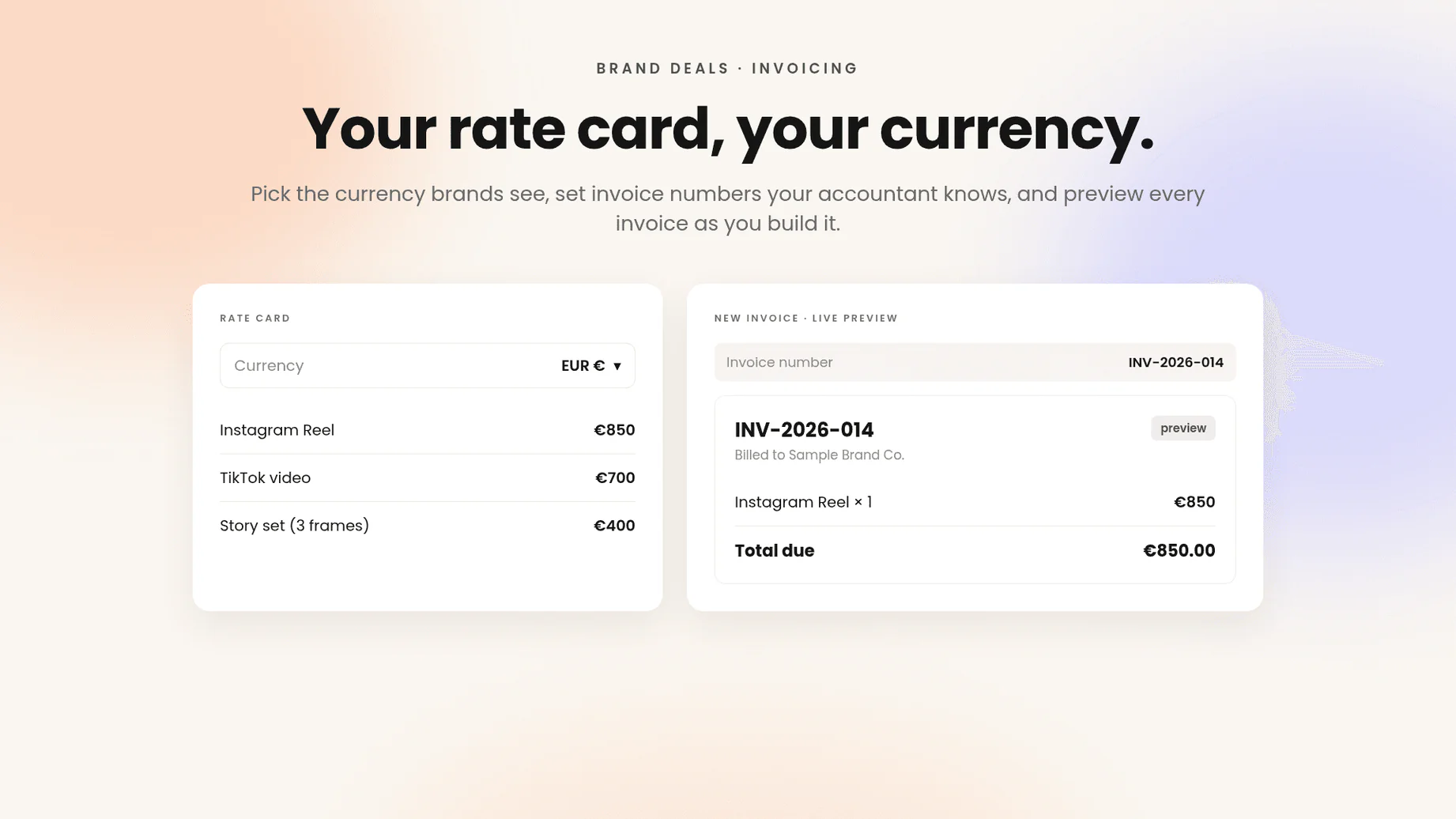
Your rate card assumed one currency, and invoices came numbered however Beacons decided. Now you can pick the currency your media kit rate card shows, or just ask Beam to switch it. You can set your own invoice numbers, so they match the system your accountant already uses. The PDF your client receives is cleaner and easier to read. The Invoicing overview is tidier too, with a live preview of the invoice as you build it. Invoices you've already sent keep their old number and layout.
Set your currencyRename your handle without breaking your Beacons connection
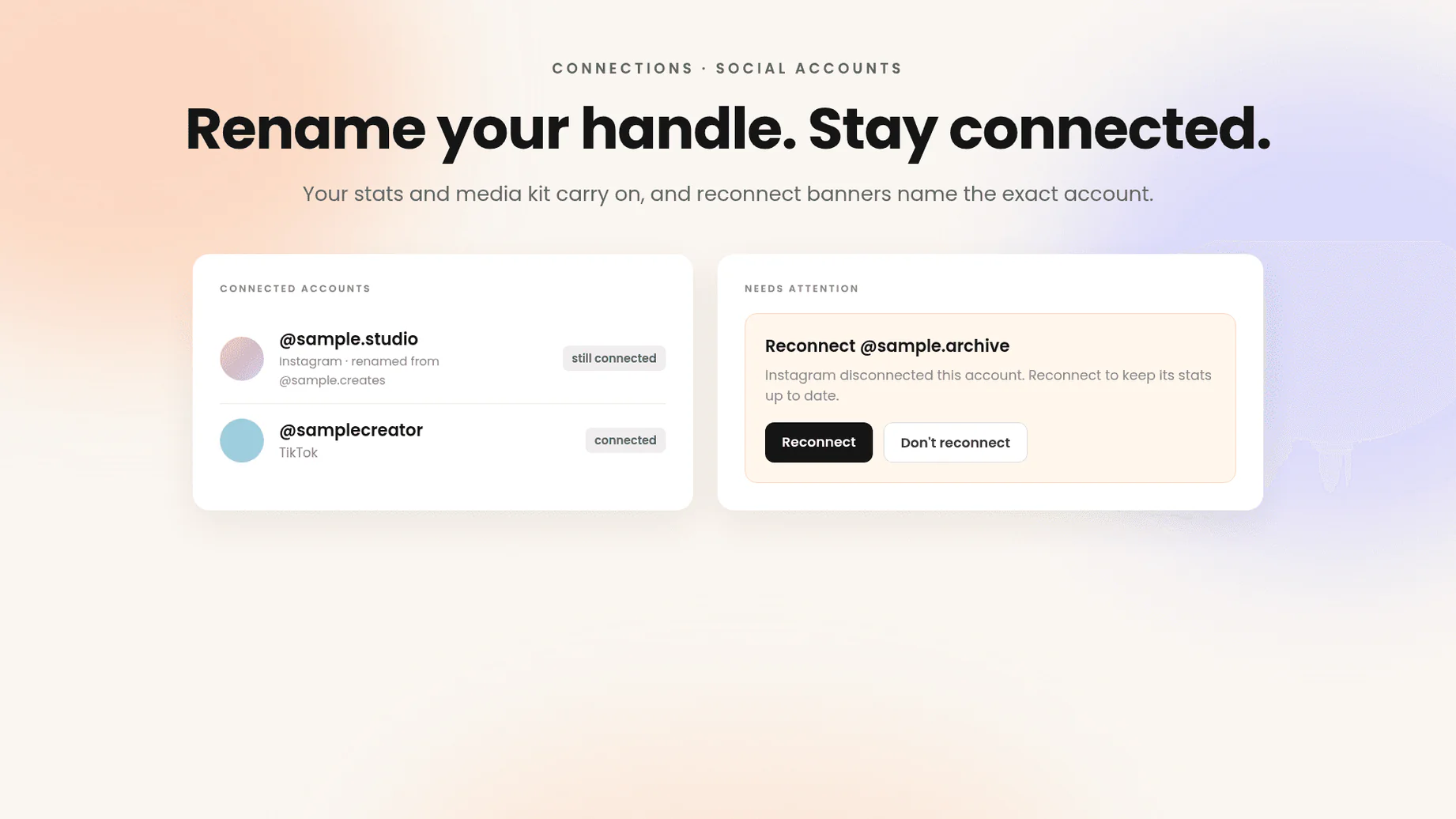
Changing your social handle used to unlink the account from Beacons, and the reconnect banner didn't say which account it meant. Now a renamed handle stays connected, and your stats and media kit carry on as before. When an account does need reconnecting, the banner names the exact @handle, and so does the Instagram disconnect email. If you've moved on from that account, tap Don't reconnect and the banner goes away. Accounts that came unlinked after an earlier rename still need one reconnect.
Check your connectionsSee your all-time traffic and which clicks became sales
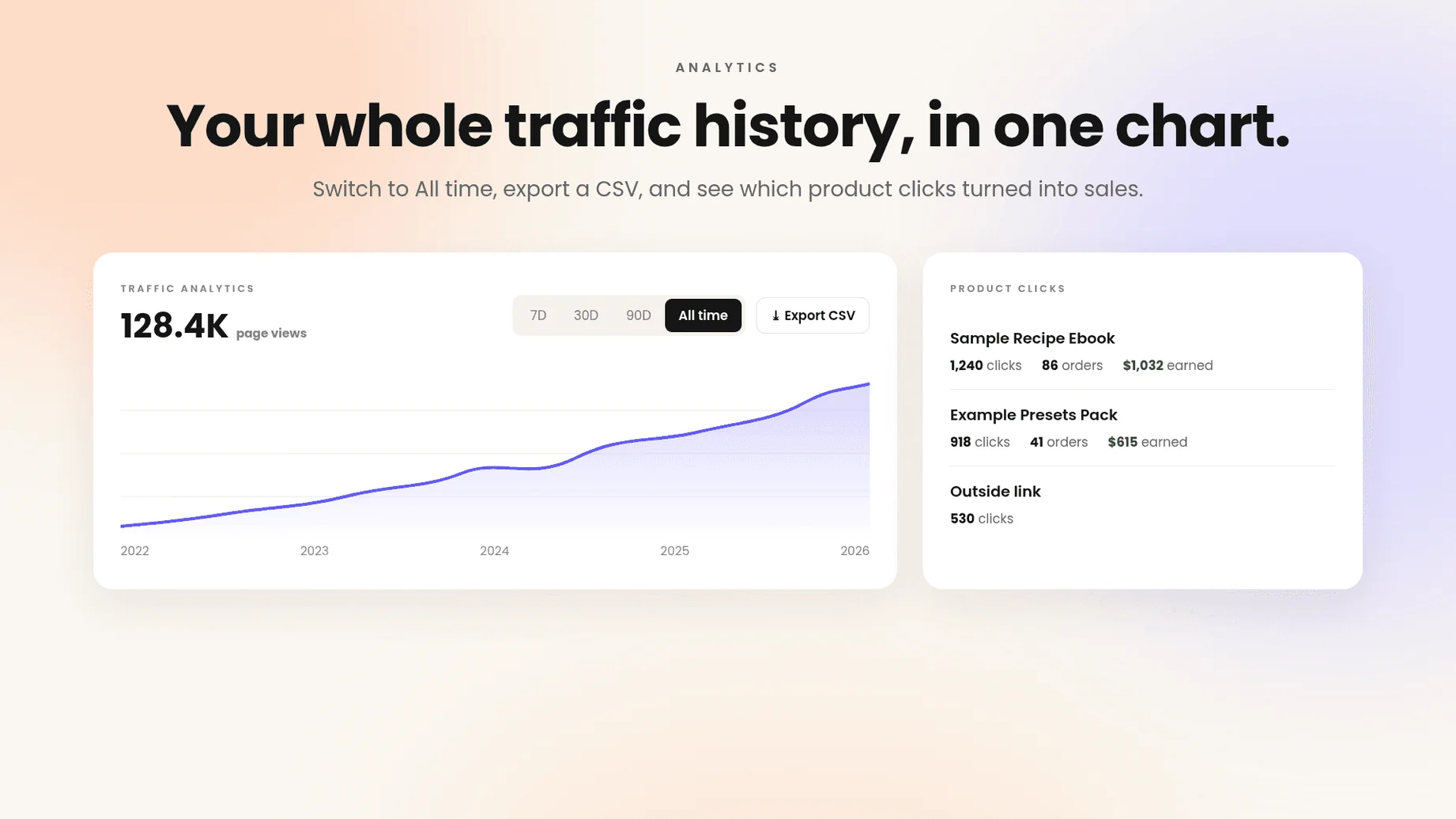
Traffic Analytics only went back so far, and a product click told you someone tapped, not whether they bought. Now you can switch to All time and see your page's whole history in one chart. Export it as a CSV in one click for your records or your next brand pitch. Product clicks on your Link in Bio also show the orders and earnings behind them, so you know what actually sells. Earnings appear for products sold through your Beacons store, and outside links still show clicks only.
Open your analyticsWake up to brand pitches already drafted in your Gmail
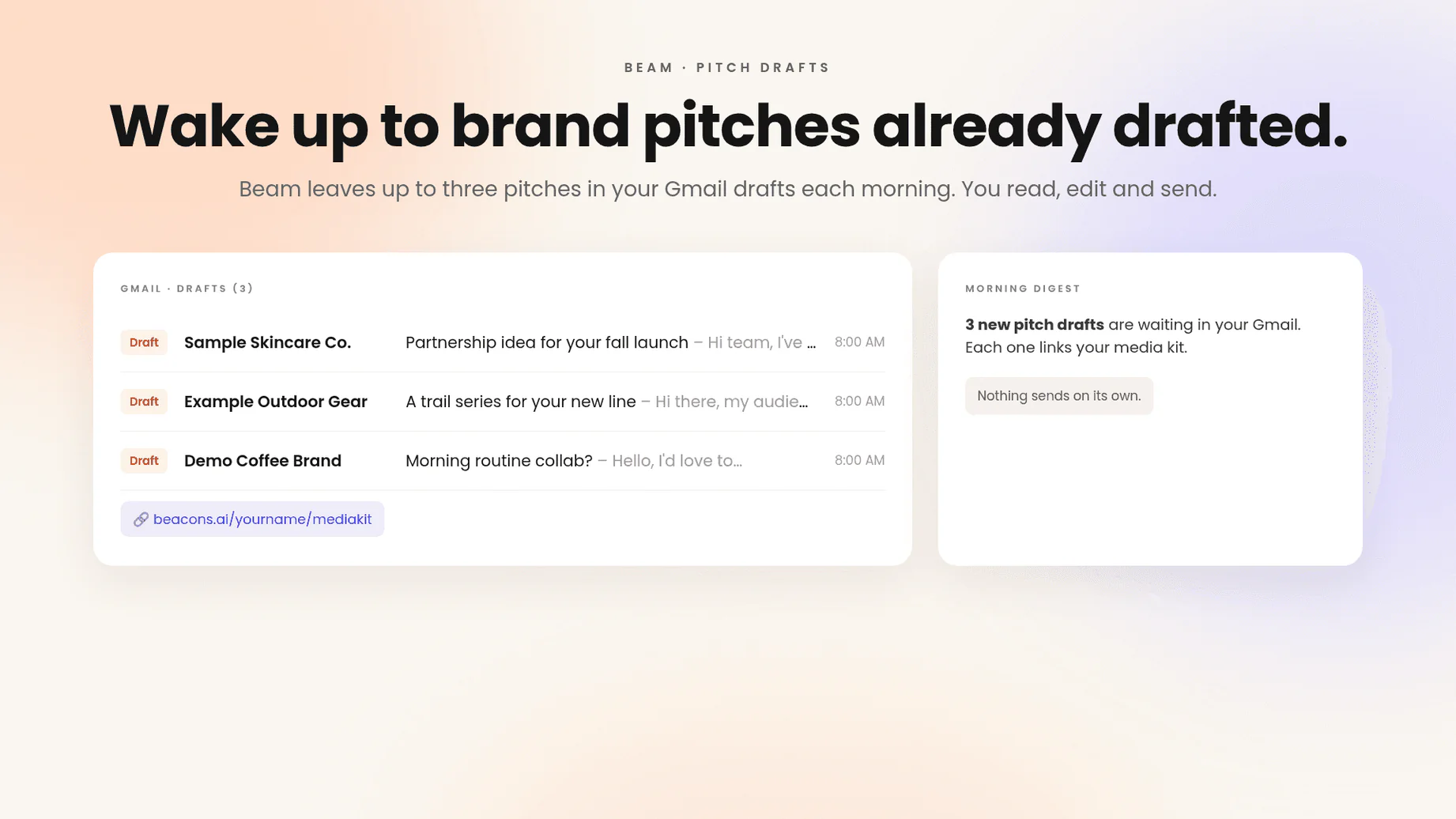
Pitching brands meant starting from a blank email every time, and on a busy week the pitches just didn't go out. Now Beam drafts up to three cold pitches each morning and leaves them in your Gmail drafts, with a link to your media kit already in each one. Your morning digest tells you when new ones are waiting. Nothing sends on its own: you read, edit and hit send yourself. It needs a connected Gmail, and you can turn daily pitch drafts on or off in Settings.
Turn on pitch draftsYour media kit and campaign reports got a round of fixes
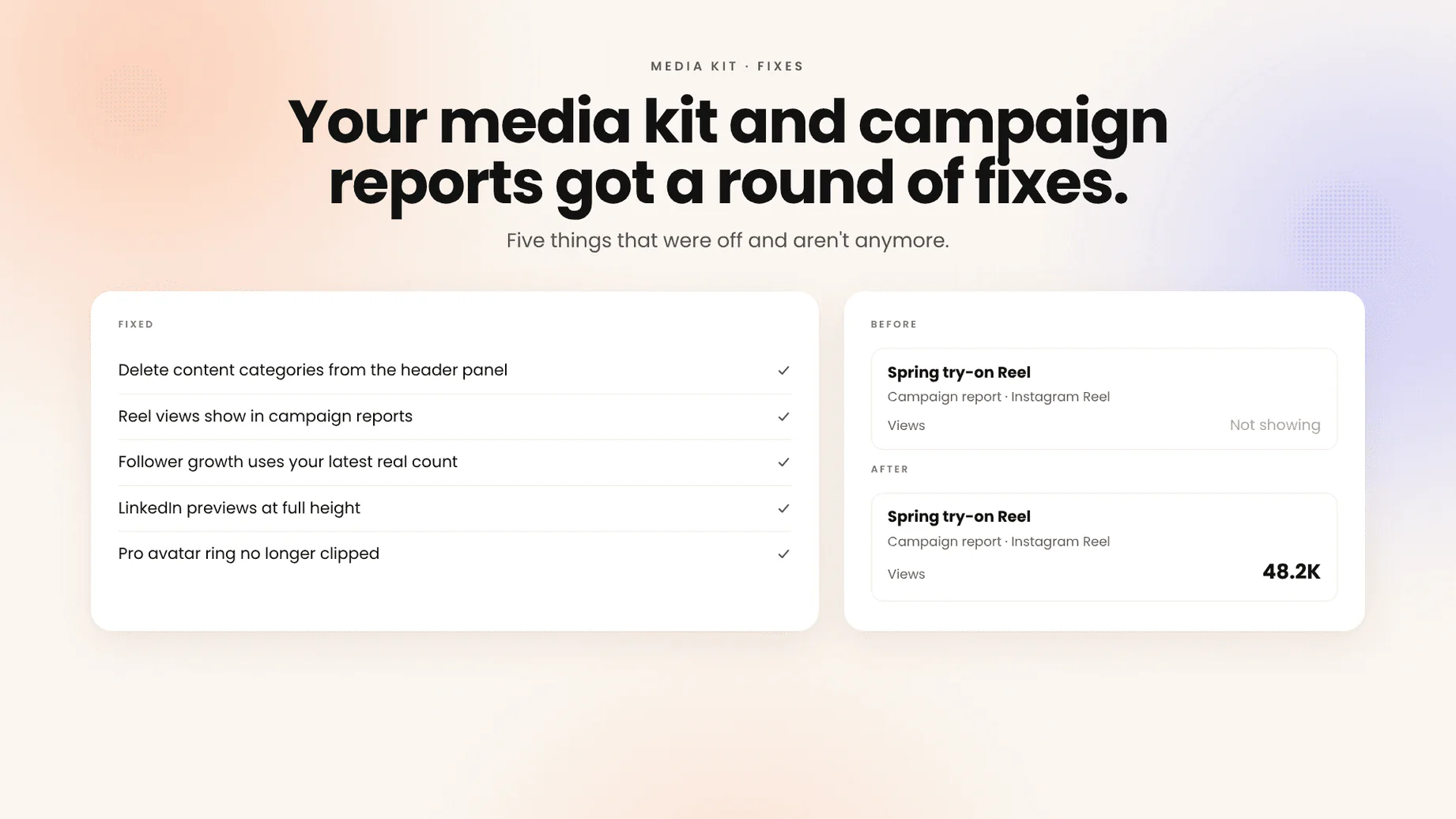
A handful of smaller things got better this week. In your media kit's header panel you can now delete a content category you no longer want, instead of being stuck with it. Instagram Reels in your campaign reports now show their view counts instead of coming up blank. Follower growth is measured from your most recent snapshot that actually has a follower count, so one empty refresh no longer throws the number off. In the feed block editor, LinkedIn posts preview larger and stay at full height. And the Pro ring around your avatar no longer gets clipped when the sidebar is collapsed. Campaign reports you've already sent won't update on their own.
Open your media kitSend Beam any photo straight from your phone
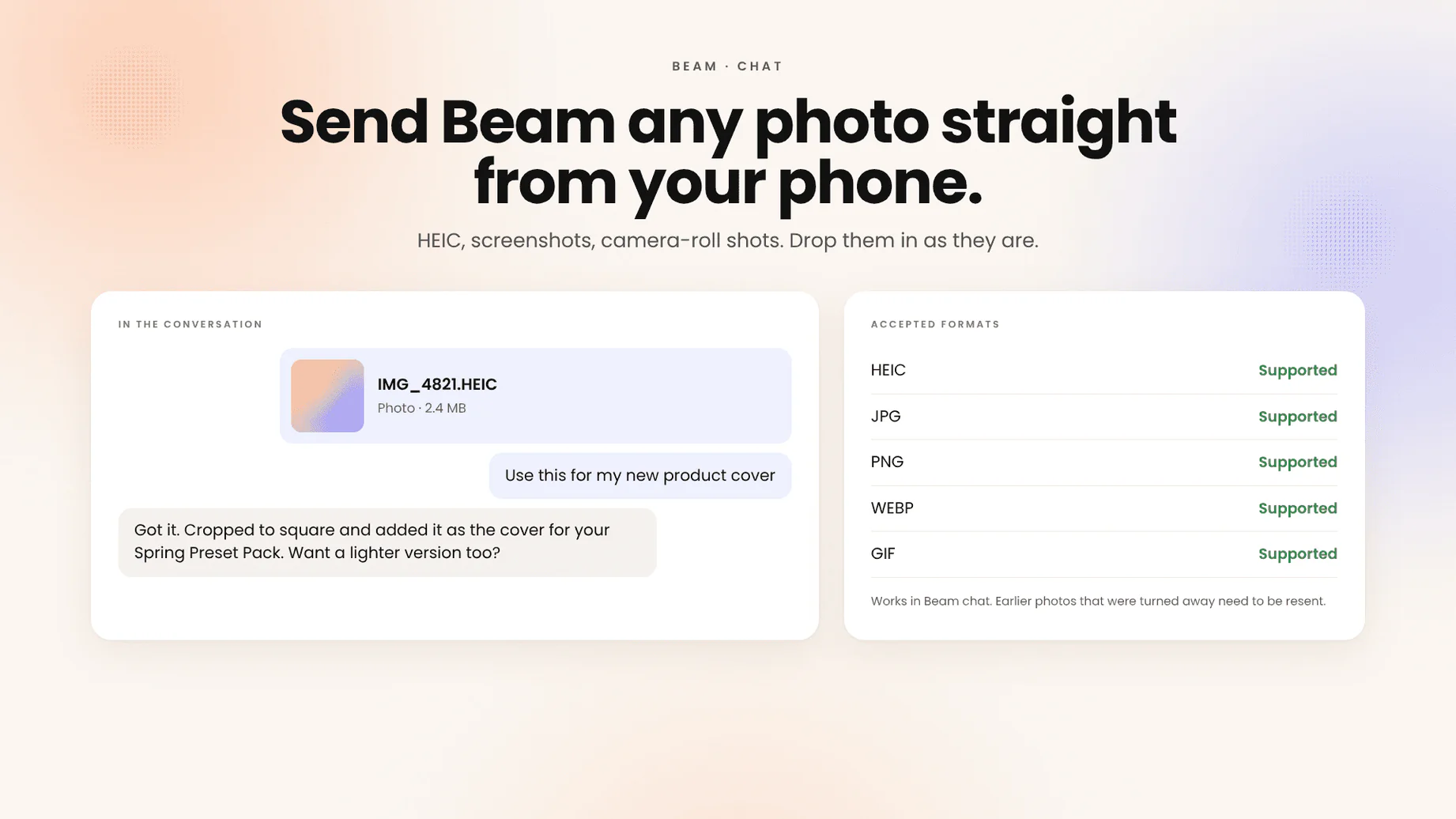
Attaching a photo to a Beam conversation used to work only with the most common image formats, so a picture straight off an iPhone, which saves as HEIC by default, could get turned away until you converted it. Now Beam chat accepts HEIC and any other image type, so you can drop in a screenshot, a product shot or a camera-roll photo as it is. Typing in Home Chat is smoother in long conversations too, because the whole thread no longer redraws with every keystroke. Photos that were turned away before won't reappear on their own, so resend anything you still want Beam to see.
Send Beam a photoBeam's inbox drafts sound like you now
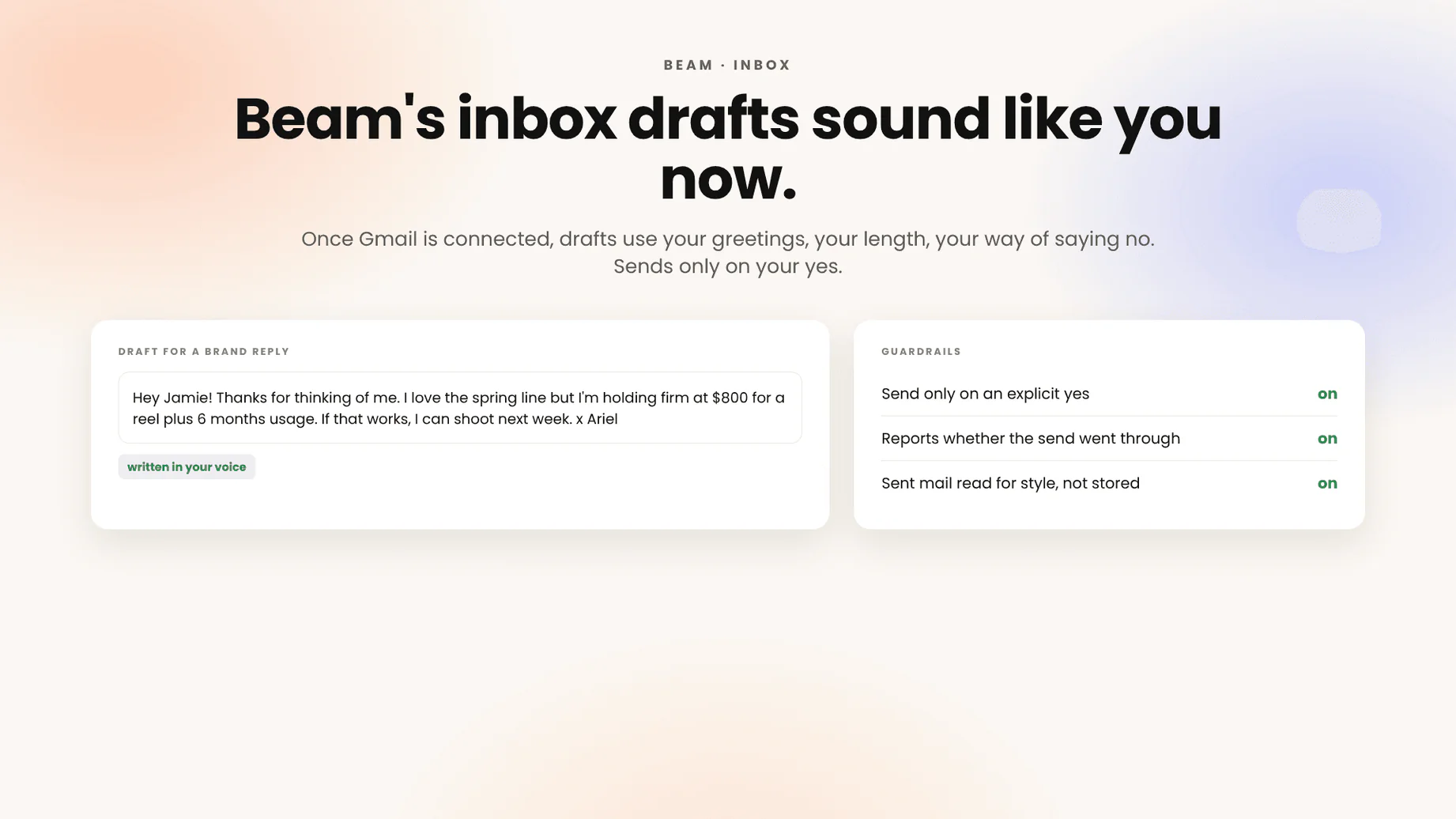
Beam has been drafting replies to brand emails in your inbox for a while, but they read like a competent stranger. Now, once your Gmail is connected, it learns your voice from the emails you've actually sent, not just the brand-deal threads, so the draft that lands in front of you uses your greetings, your length, your way of saying no. Two guardrails came with it: Beam only sends when you explicitly say yes, and it tells you plainly whether the send went through. Your Sent mail is read to learn style, not stored as content.
Connect your inboxAsk Beam for six images at once
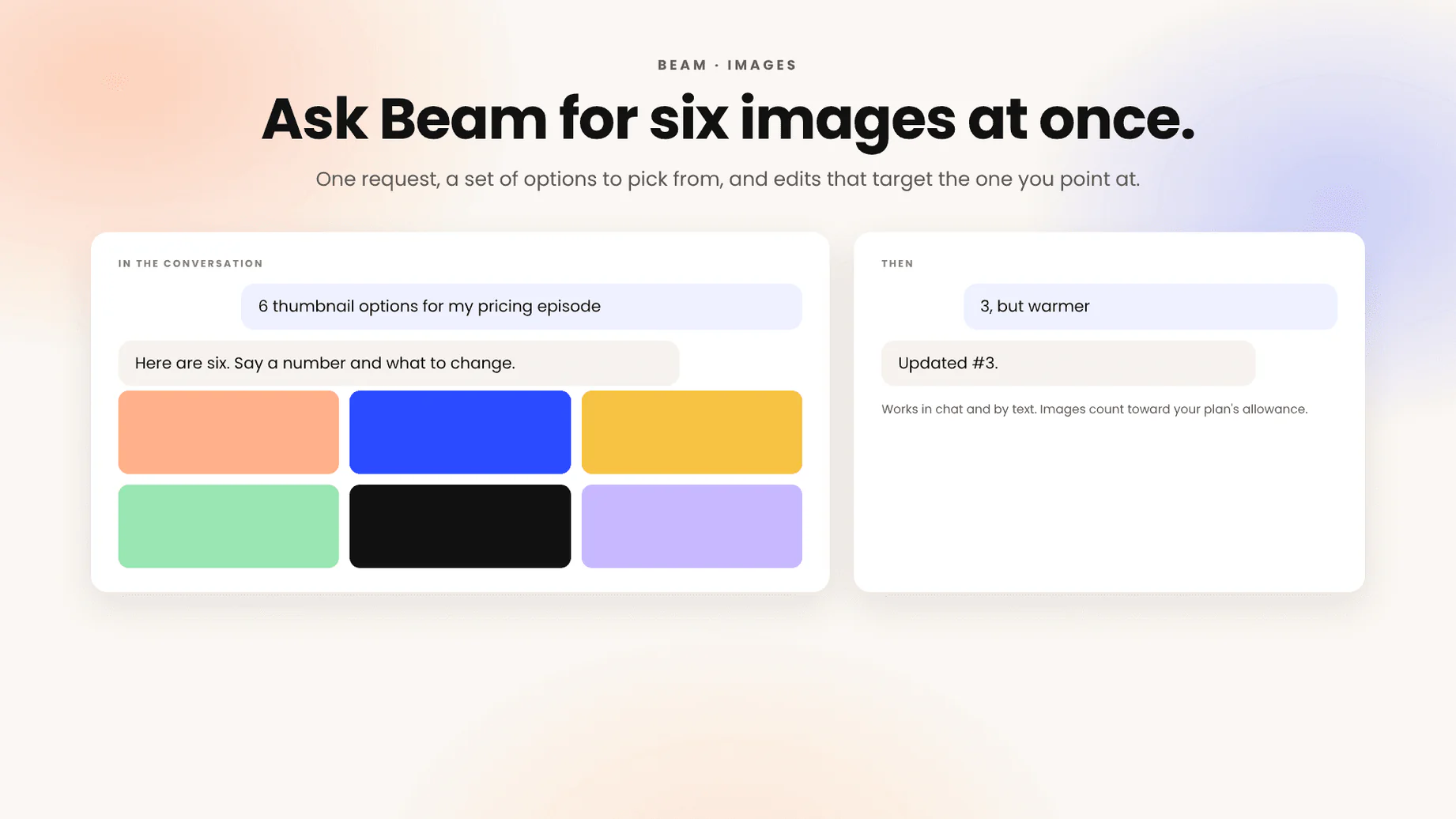
Making images with Beam was one at a time: ask, wait, ask again with a tweak. Now a single request can produce up to six, so "give me thumbnail options for this episode" comes back as a set you can pick from, and "same thing but warmer" edits the one you point at. It works anywhere you talk to Beam, including by text. Each image still counts toward your plan's image allowance.
Make some imagesFive small things that were wrong and aren't anymore
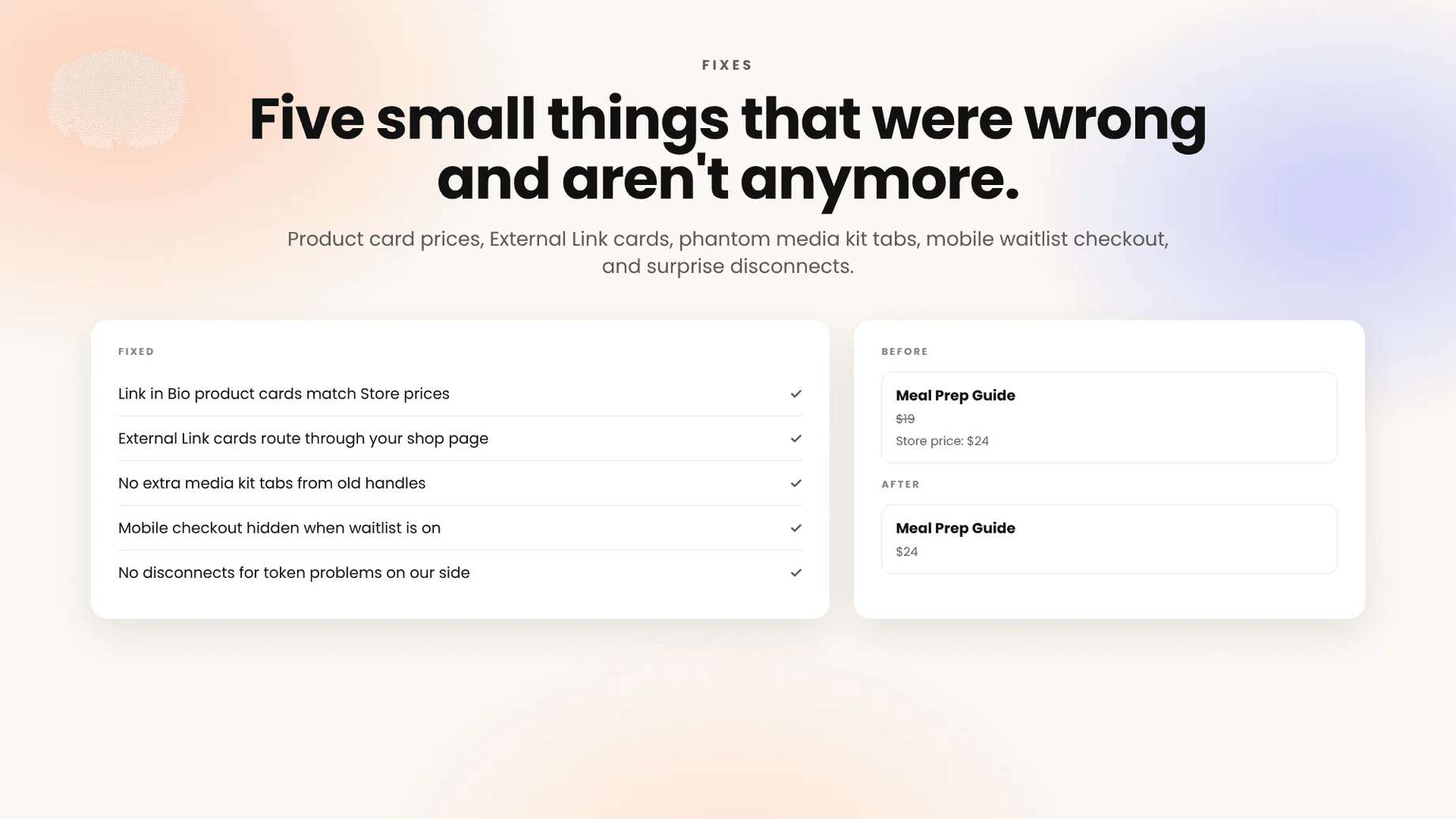
A round of fixes you may have been waiting on. Product cards on your Link in Bio now stay in sync with your Store prices instead of showing the old one. External Link cards on your Link in Bio route through your shop page again. Media kits no longer grow extra tabs from old scraped handles. On mobile, the checkout form hides when a product's waitlist is on, so nobody tries to buy something that isn't for sale yet. And we stopped disconnecting social accounts over token problems on our side, which was the cause of most "why is my Instagram disconnected again" emails.
Check your page